

Trotec U300 galvo marking laser, white housingTrotec U300 | TrotecTrotec U300 | TrotecTrotec U300 | Trotec
Trotec

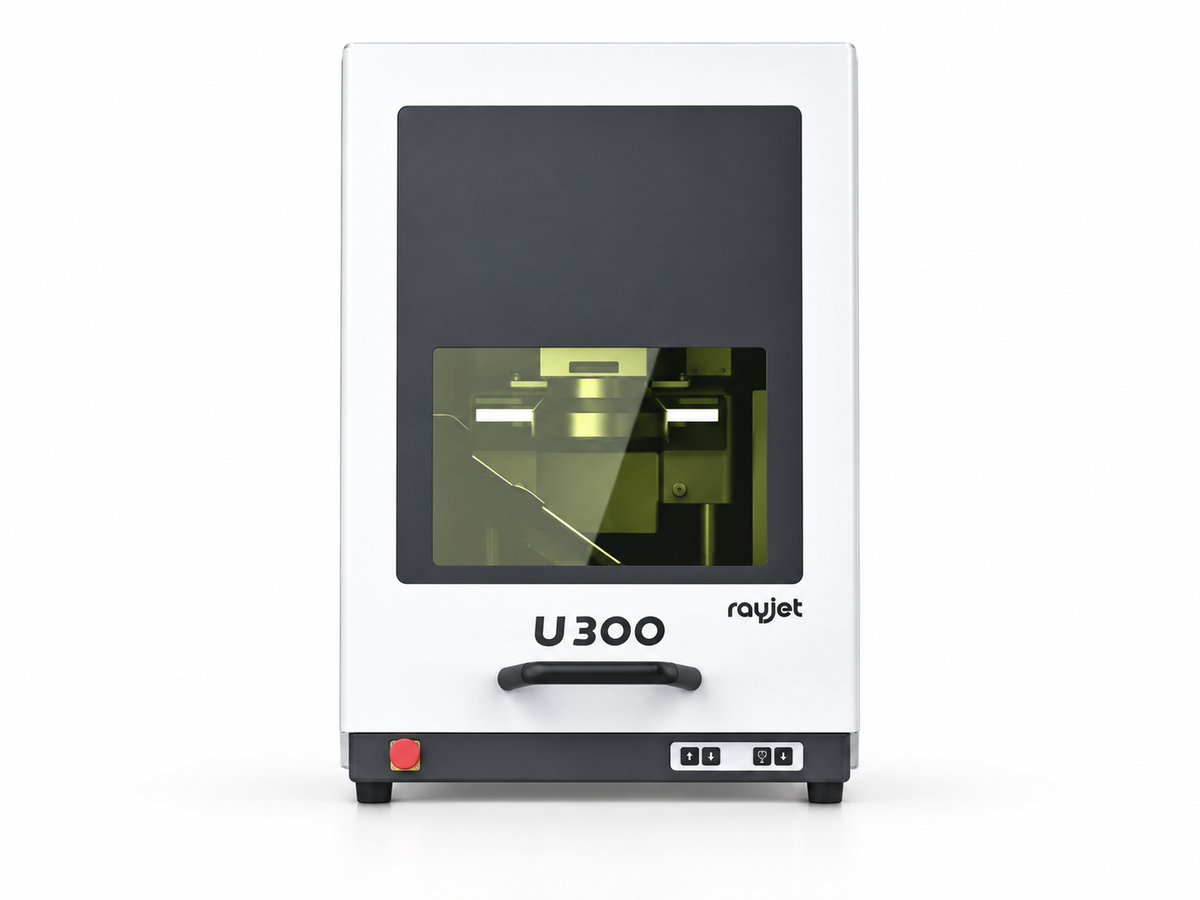
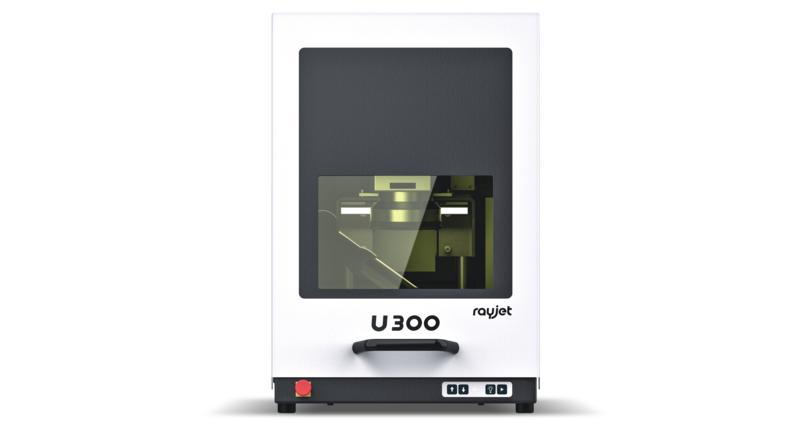
Trotec U300

Price on request

Quoted formally, with delivery, installation and training set out line by line. We reply within one working day.

Specifications
  • Authorised distributor

    Supplied and warranted through Lawazen in Saudi Arabia.

  • Installation and training

    Available for equipment. We confirm the scope before the order.

  • Parts and service

    Certified engineers based in Riyadh, covering the GCC.

  • Talk to a specialist

    Not sure this is the right fit? Ask us before you buy.

MANUALS & TRAINING

Learn to run it well.

Documents for the U300

  • Loading documents…
Every Trotec manual and datasheet →

Free online course About 30 minutes

Trotec U300: basic operation

For new operators of the Trotec U300 desktop fibre laser marking workstation. It covers laser safety, the parts of the machine, placing a part, setting the focus with the Z-axis, making and testing a job in Ruby with border marking, and daily care.

  • Explain what laser class 2 means and how the housing and door switch protect you
  • Recognise materials you must never mark and run the exhaust for every job
  • Switch the U300 on and off in the right order
  • Place and fix a part and set the focus with the Z-axis

12 slides · 10-question quiz · a certificate number when you pass

Free with your Lawazen account. Training a team? Each person takes it under their own name and gets their own result.

Hands-on training

Our certified trainers teach on real machines: showroom courses, a monthly PD day, or a day at your company on your own machine.

See training courses →

About this product

From individual single pieces to batches
With the laser markers of the U series you can mark individual single pieces as well as small and medium batches quickly and easily. With the Galvo Markers engravers, job shoppers and machine builders are able to easily mark components, type plates or tools - even in hard-to-reach areas.


Save time with bordermarking
The special highlight of the U Series is the bordermarking function - this allows you to project the surface to be marked or even the contour onto the component at any time, position it in real time and, if necessary, correct it with a mouse click.


Best engraving quality thanks to high-quality optics
High-quality lenses and an excellent laser spot guarantee a perfect application result for your marking. This allows even the smallest details to be marked precisely. Functions such as polishing and deep engraving ensure legibility even on demanding materials.


Independent and flexible through Ethernet
Due to the newly integrated interface, the laser can be controlled with any Windows PC. This means that you are no longer tied to the functionality of an Industrial PC‘s. Simply plug in and laser - you will be surprised how much time you will save!


Highest safety standards
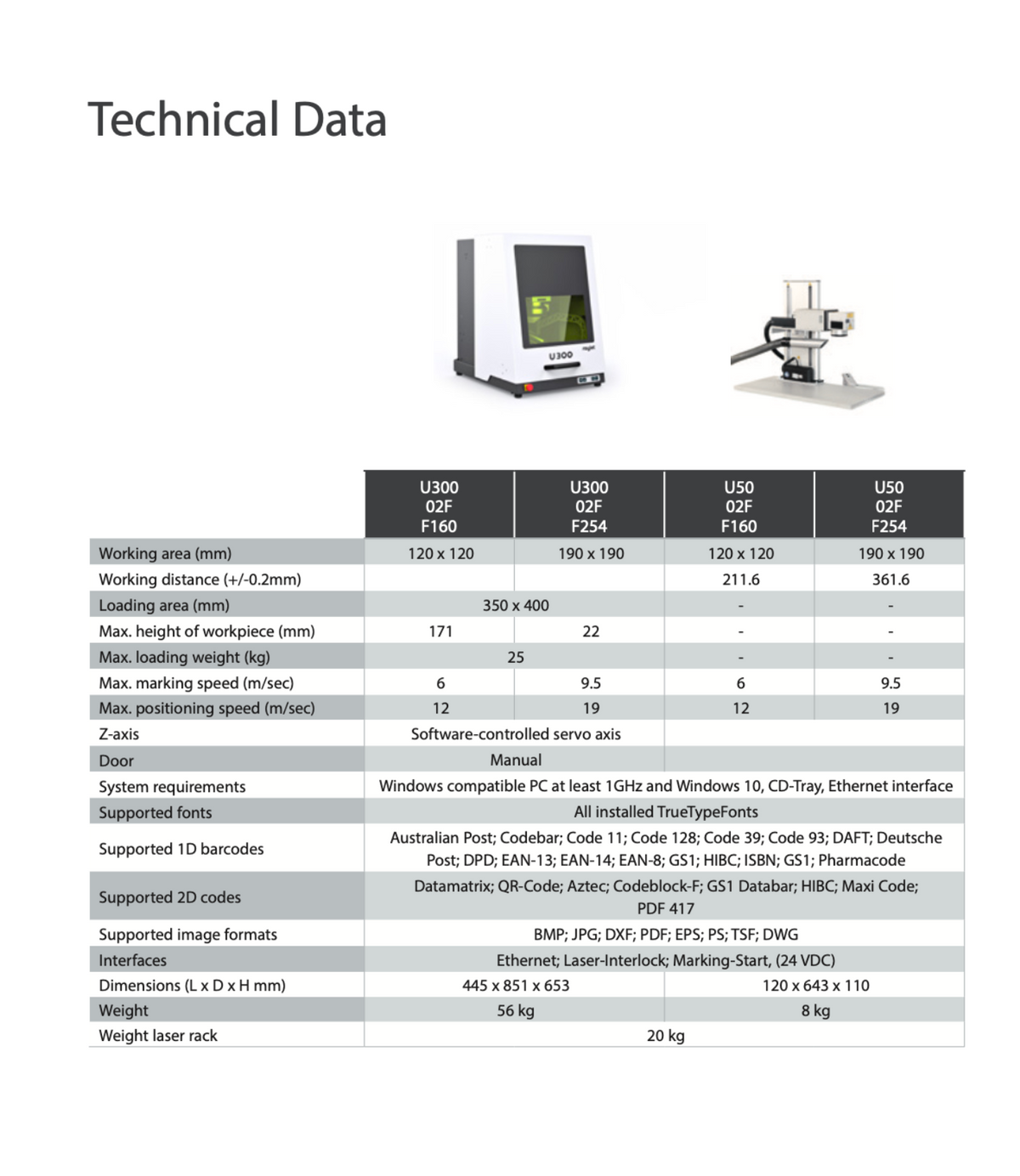
The U300 is a class 2 laser desktop workstation, so no safety precautions are required. The U50 - an open system of laser class 4 - can be positioned at will and thus also marks larger or bulky components.